Who it’s for

A place for everyone in the care circle.

Each person has a view suited to their role, with access chosen for the care profiles they support.

Current Practitioner demo care profile showing fictional strengths, communication context, and profile tools
Current Practitioner demo care-profile view · fictional demonstration data.

Autistic people and self-advocates

Keep your voice in view.

Use the profile areas available to you to share communication preferences, review goals, and prepare questions for your care team.

  • Keep strengths and communication preferences in view
  • When permitted, add observations or complete assigned forms
  • Review recorded progress with its source and date
Explore the client and family path
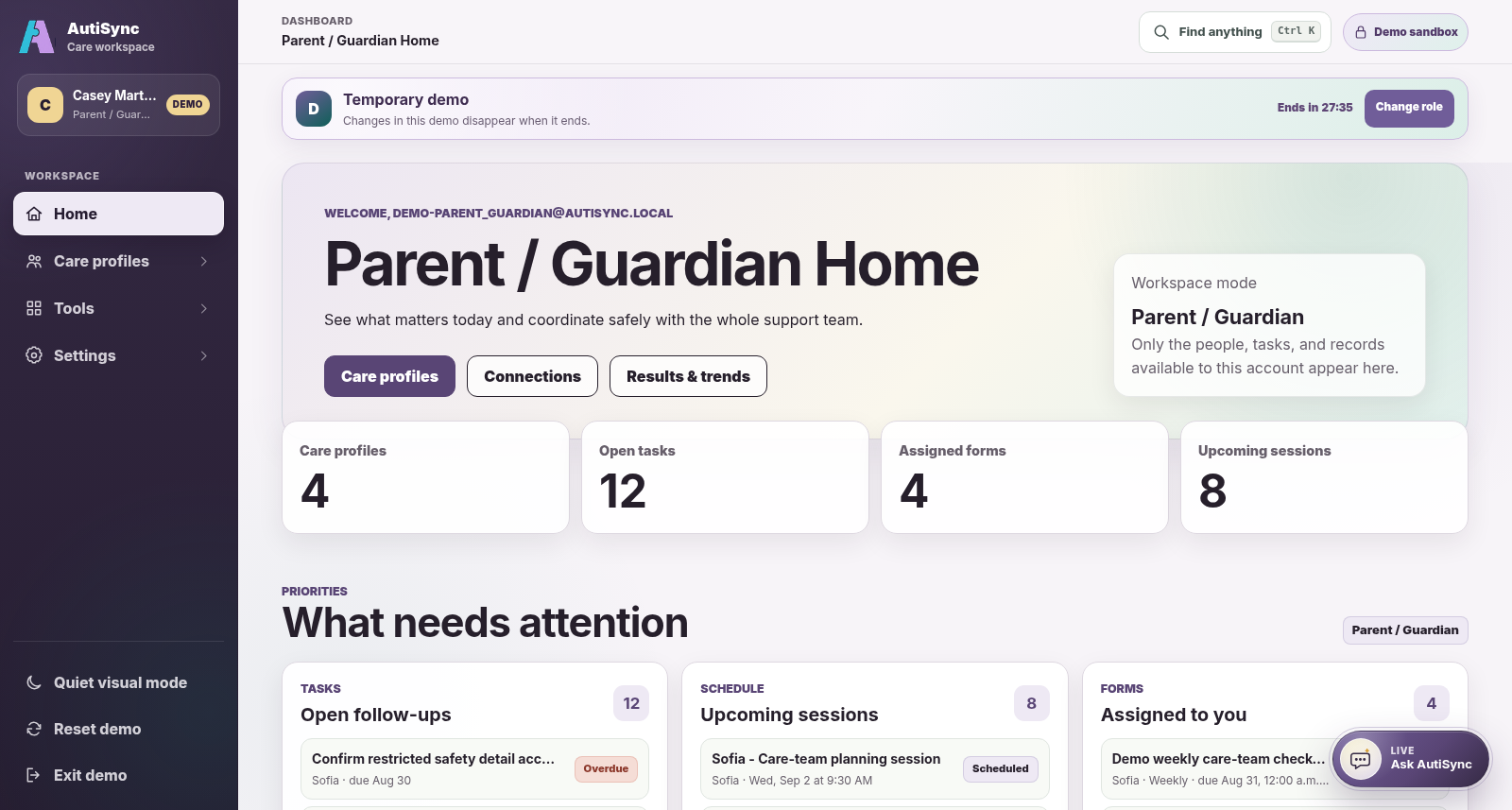
Current AutiSync Parent / Guardian demo dashboard showing fictional tasks, forms, sessions, and care profiles
Current Parent / Guardian demo dashboard · fictional demonstration data.

Parents, guardians, and caregivers

Keep track of everyday care.

See your tasks, forms, sessions, and shared profile information. Add permitted updates from daily life for the wider care circle.

  • Complete forms assigned to you
  • Add permitted observations from daily life
  • Keep questions and follow-ups with the right profile
Explore the family workflow
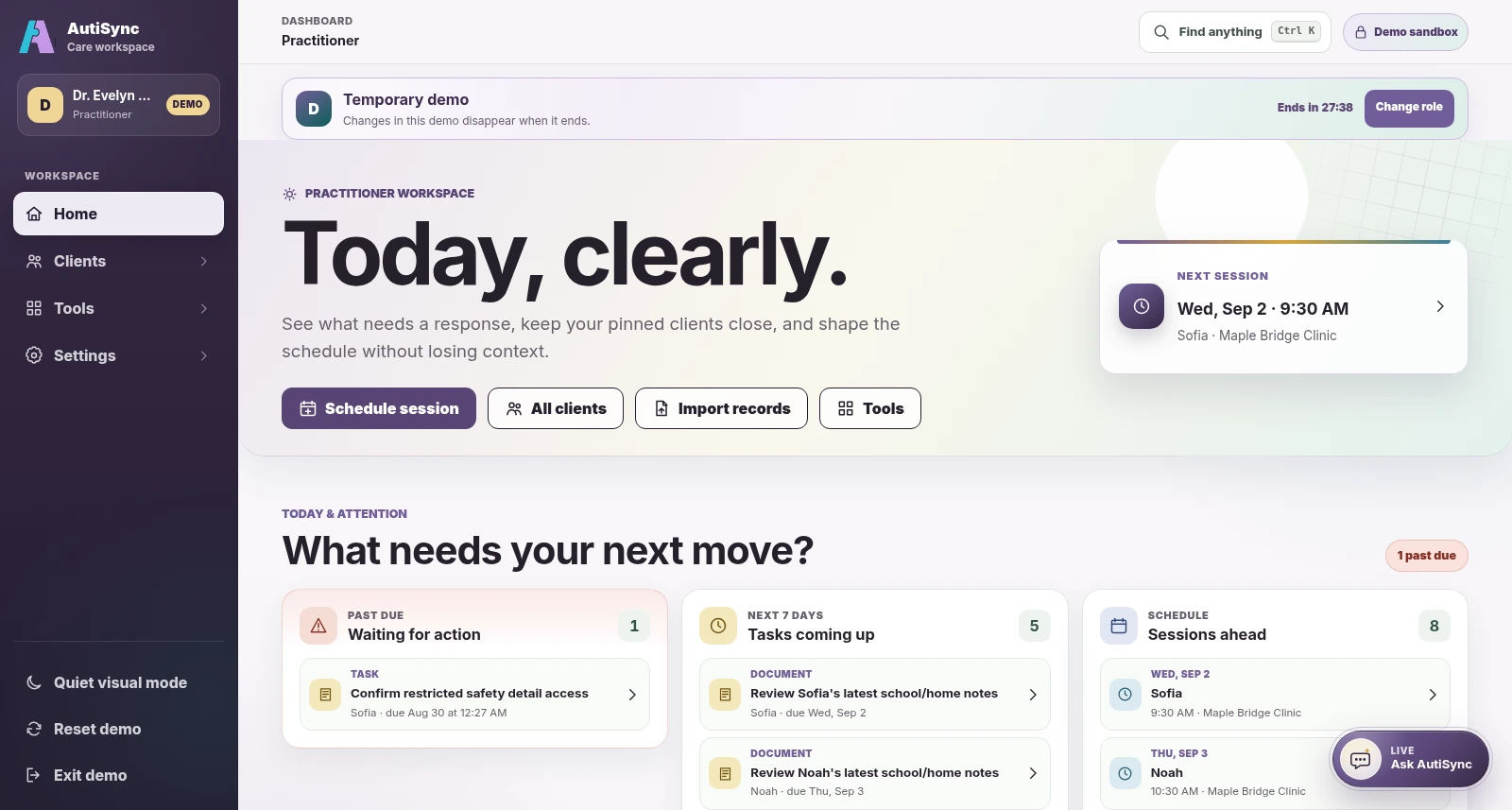
Current AutiSync Practitioner demo dashboard showing fictional sessions, tasks, and care profiles requiring attention
Current Practitioner demo dashboard · fictional demonstration data.

Practitioners and consultants

Prepare and follow up together.

Practitioners can schedule and document their own sessions. With the relevant profile permissions, providers can manage goals and forms, review progress, use protected files, and coordinate the next action.

  • Keep practitioner session ownership and status visible
  • Review questionnaires and progress with their source
  • Coordinate alongside the clinical record
Explore provider workflows

Educators and support coordinators

Bring school and community context.

Educators can add permitted observations and complete assigned forms. Support coordinators can manage plans, assessments, or invitations only when they have the required access.

  • Bring setting-specific context into the care story
  • Complete only the tasks and forms available to you
  • Review access when a responsibility changes
See how selected access works

Access for each person

Choose access, then review it.

Profile creators manage team membership. Delegated inviters can share only permissions they already hold. Viewing a profile does not allow care-team changes.

A role name alone does not open the whole record. Review access as people join, leave, or change responsibilities.

Choose your view

Find your place in the care circle.